The monthly invoicing round-up for the office admin
Outstanding jobs, approved expenses, invoices, credit notes, payments and the accountant's export.
Month-end is not a single task. It is a set of small decisions that have to be made in the right order.
1. Review completed jobs
Filter the completed jobs and check the evidence and sign-off. A job that is complete but has no customer signature needs a decision before it becomes an invoice.
2. Clear the expense queue
Approve the claims that match their receipts. Reject anything that needs a correction, with a reason the worker can act on.
3. Raise the invoices
Convert the accepted quotes or create invoices from the completed jobs. Keep the job evidence attached.
4. Allocate the payments
Record each payment against the right invoice. Check the remaining balance rather than guessing from the bank feed.
5. Export for the accountant
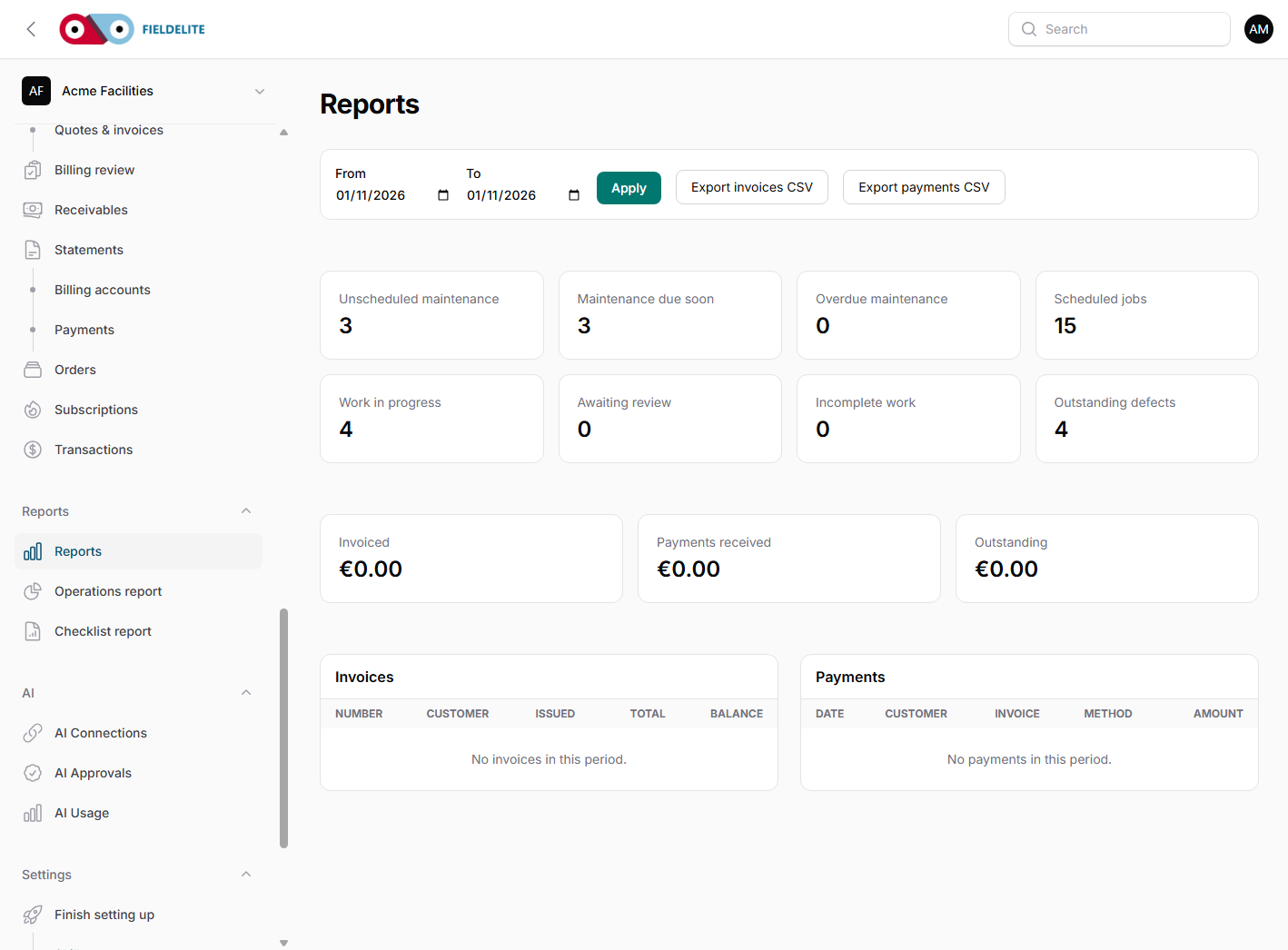
Run the receivables and expense reports. Export CSV. Send the same period to the accountant every month so the comparison is consistent.
The office should not be rebuilding the month from memory. The report should be a view of the records that already exist.
Related: Monthly invoicing case workflow · Reports

Aoife looks after the finance and office workflows in FieldElite. She has a background in payroll and small-business accounting.