Feature
Know the asset before it fails
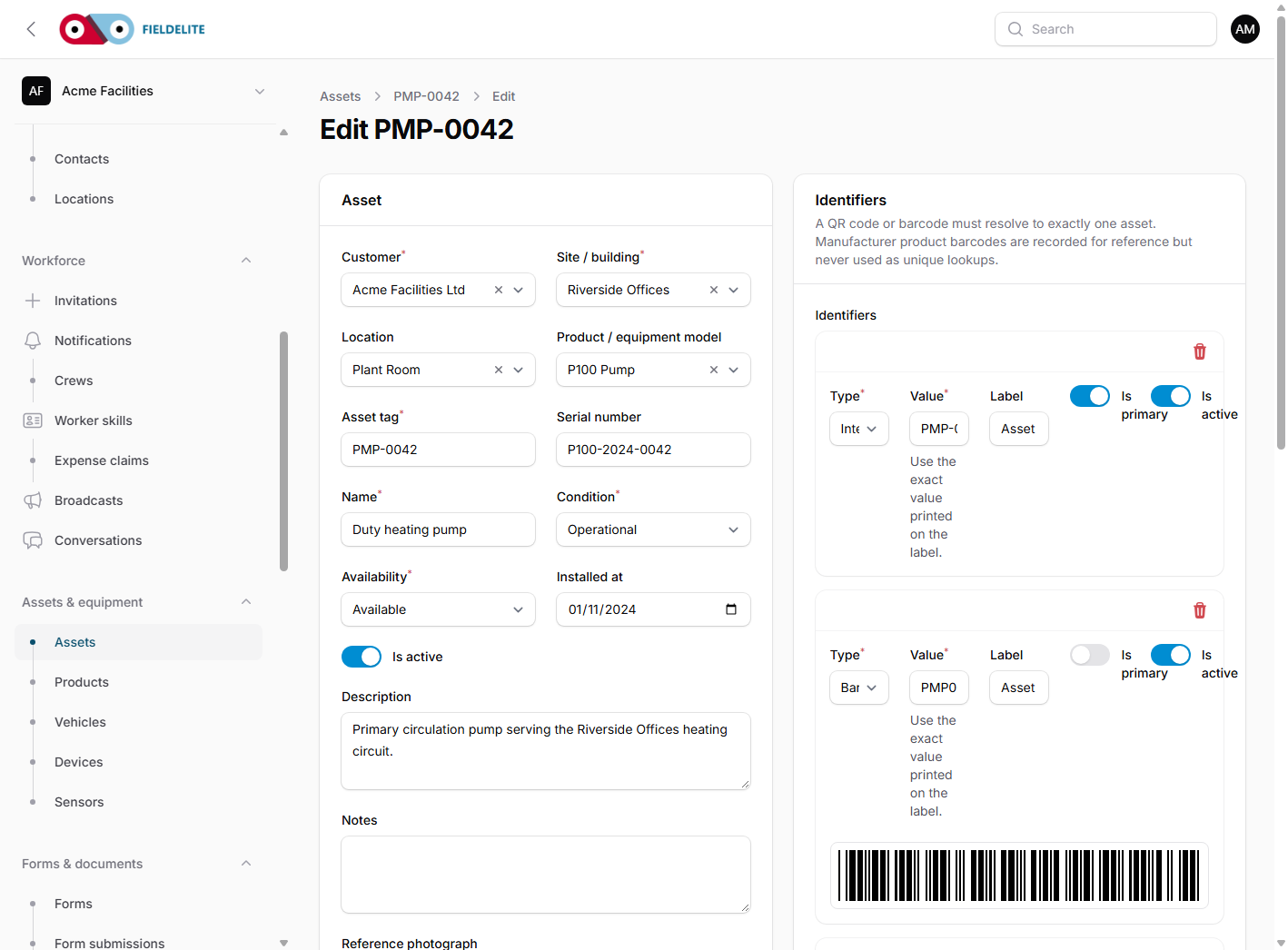
Condition, downtime, replacement and site spaces in one asset history.
The problem
Most asset registers hold a make, model and serial number. They do not explain how often the asset fails, what it costs to keep alive, or whether the next repair is worth doing.
What you get
Downtime history
Record failures and maintenance stops, link the job or defect, and see total and average downtime.
Condition assessments
Capture findings, repair estimate, replacement cost snapshot and a monitor, repair or replace recommendation.
Replacement forecast
Use installed date and expected life to plan replacement, with unknown fields instead of guessed dates.
Rooms and floor plans
Record floor, room and space/grid code, access notes and a private floor plan.
Hazardous materials
Keep an owner, SDS, quantity, location and review date, with current, due-soon, overdue and unknown states.
Scope-aware access
Assets, locations and hazardous materials respect branch and region access scopes.
How it works
Record the event
Open a downtime event when the asset stops and close it when work resumes.
Assess the condition
Capture findings and costs, then record the recommendation and threshold result.
Plan the replacement
Read the lifecycle summary and replacement forecast as a planning input, not an authorisation.
Describe the space
Add floor, room, space code and floor plan so the next visit finds the asset.
Register the material
Record the hazardous material, owner, SDS and review date; review overdue and due-soon items.
Questions about asset lifecycle
Does it decide whether to repair or replace?
It records the recommendation and compares repair estimate with replacement cost using a configurable threshold. A missing input produces unknown.
Is the hazardous-material register a legal classification?
No. It is an operational register. Use your own risk assessment and competent person for statutory decisions.
Can I attach a floor plan?
Yes. Floor plans are private and download through an authenticated, role- and scope-checked route.
Does the replacement forecast create a job?
No. It is a planning signal. Create the replacement job through normal scheduling.
Give the asset a history, not just a serial number
Book a walkthrough with one real asset, site and service history.
Book a walkthroughKeep reading
Help articles for this feature
From the blog
A job loses context every time it changes hands. Here is how one connected record covers the customer, the site, the engineer, the evidence and the invoice — with a walk through the FieldElite demo workspace.
Three buildings, one small team, and tenants who want proof. A practical look at planned maintenance, reactive dispatch and portal approvals using the Acme Facilities demo case study.
A sensor reading is not a response. Here is the chain from telemetry to an SLA clock, a certified engineer, a temperature record and a defensible invoice, using the Northwind Cold Chain demo case.