22 Asset Lifecycle Spaces Hazmat
Asset lifecycle, spaces and hazardous materials
Who this is for: managers and office staff who plan maintenance and control site information.
What you will learn: how to record downtime and condition, read the lifecycle recommendation, add a room/space and keep a hazardous-material register.
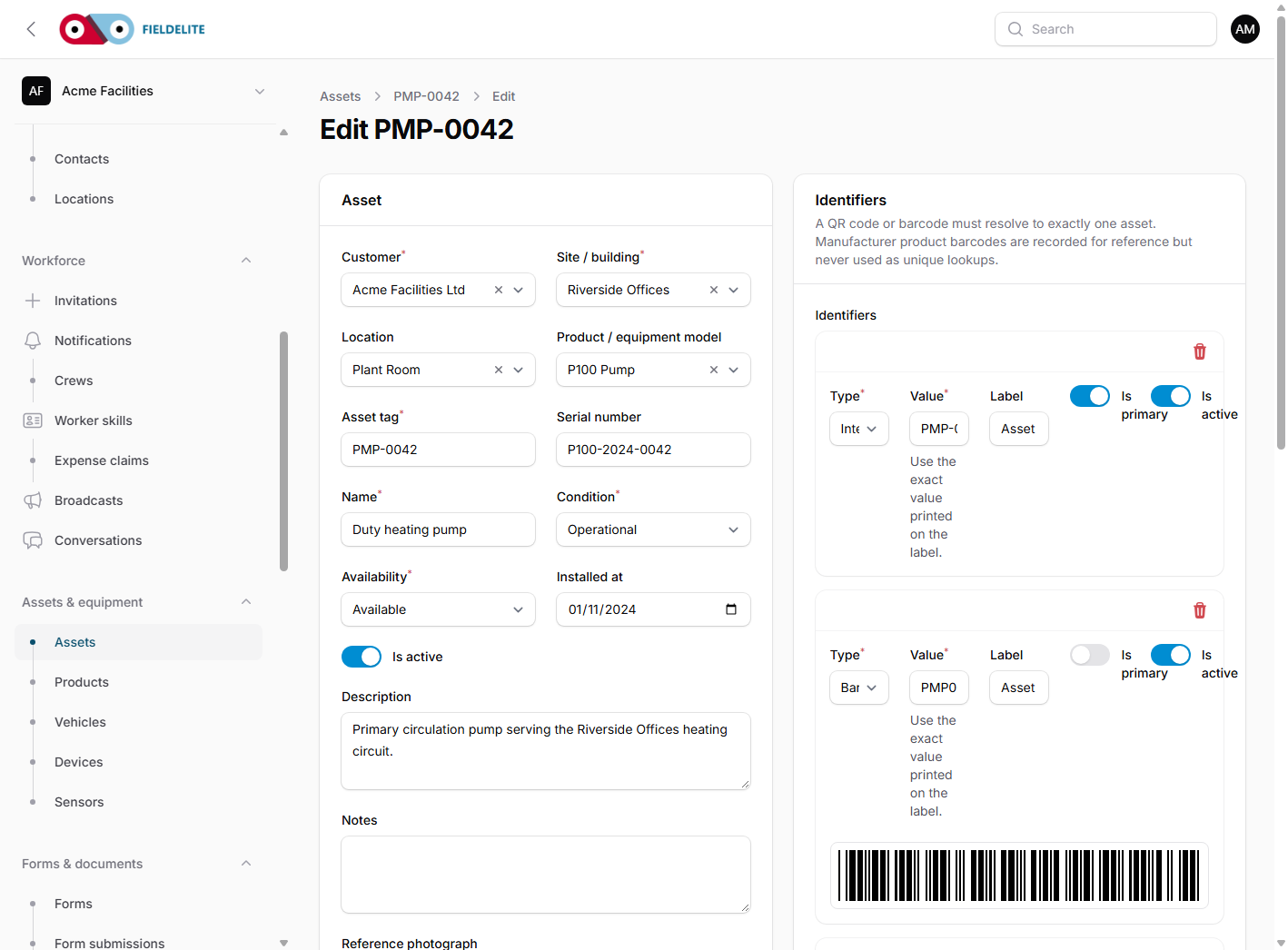
Downtime and condition
Open an asset and use Downtime events for a failure, maintenance stop or other outage. Record the start, the end when work resumes, and the linked job or defect.
Use Condition assessments to record condition, findings, repair estimate, replacement cost snapshot and a monitor/repair/replace recommendation.
Open Lifecycle to see open events, total/average downtime, linked job cost, repair-to-replacement percentage, replacement due date and the latest recommendation.
If a repair estimate or replacement cost is missing, the comparison is unknown. The system does not invent a recommendation.
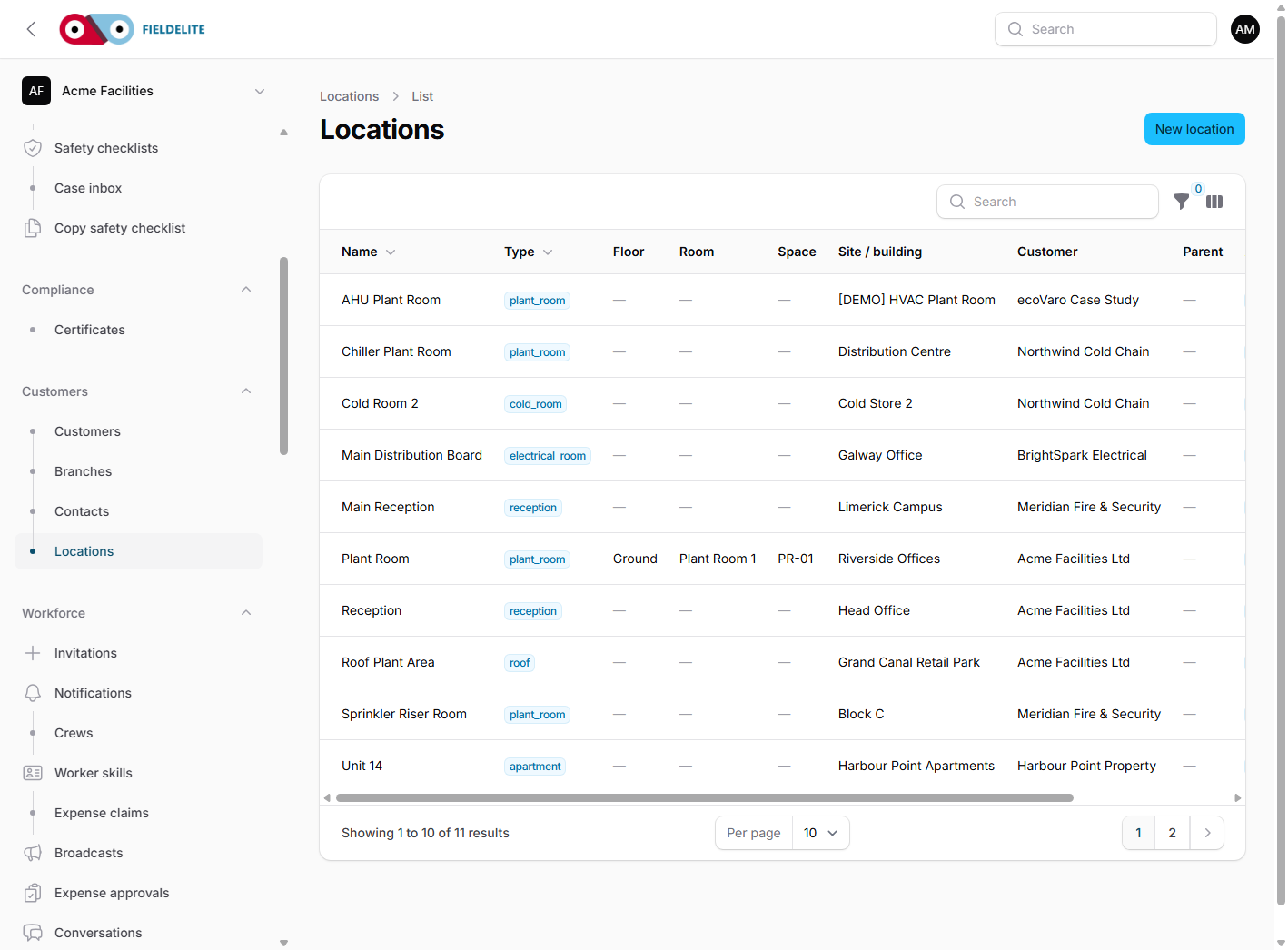
Rooms and floor plans
Open Locations and add floor, room, space/grid code, access notes and a private floor plan. Assets and hazardous materials can link to the exact room. Floor plans download through an authenticated, role- and scope-checked route.
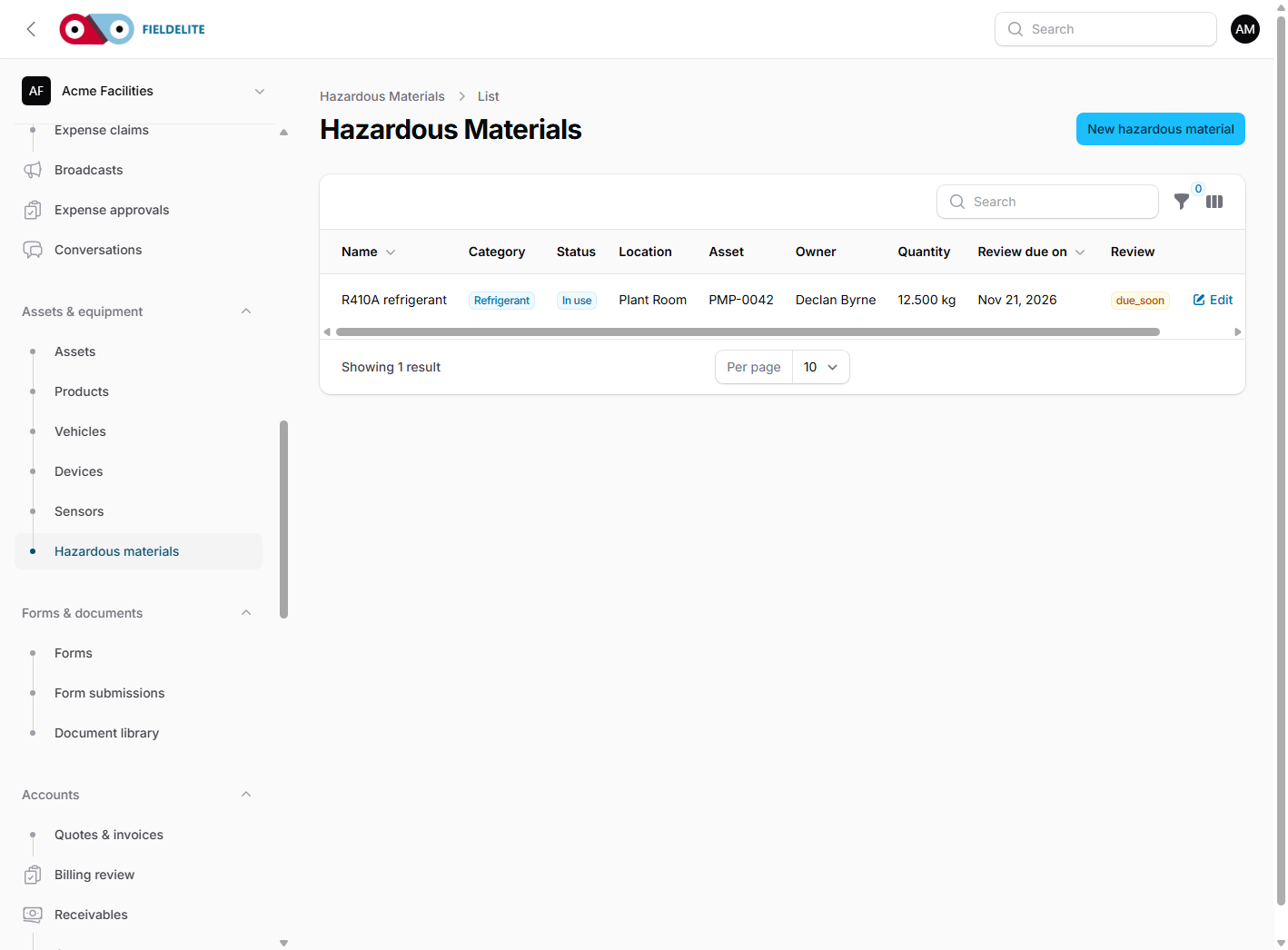
Hazardous materials
Open Hazardous materials and record the customer, site, room/space, linked asset, name, category, status, quantity/unit, container reference, responsible owner, SDS/document and review dates.
| State | Meaning |
|---|---|
| Current | More than 30 days away, or removed |
| Due soon | Within 30 days |
| Overdue | Date has passed |
| Unknown | No review date |
The list can be filtered by site, category, status and overdue review. Access scopes apply.
Warning: this is an operational register, not a statutory classification or risk assessment.
Related: Assets and documents · Maintenance and plans
Related articles
Who this is for: everyone in the office workspace. What you will learn: where the help centre lives, how to search it, and how to get from a screen to the right article. Open the h...
Who this is for: office administrators, dispatchers, managers and finance users. What you will learn: how to sign in to the right workspace, find your way around, and set up your p...
Who this is for: office administrators, dispatchers and managers. What you will learn: how FieldElite models a customer, its sites and the people on site — and how to give a custom...
Who this is for: office administrators, dispatchers, managers and supervisors. What you will learn: how to raise a job, assign it, move it through the status workflow, and close it...