Using the online help
Who this is for: field workers using the web workspace, the PWA or the Android app.
What you will learn: how to open the help centre and find the answer without leaving the job.
Open the help centre
On the web workspace, choose Help in the left sidebar. On a phone, open the workspace address in the browser and open the menu first.
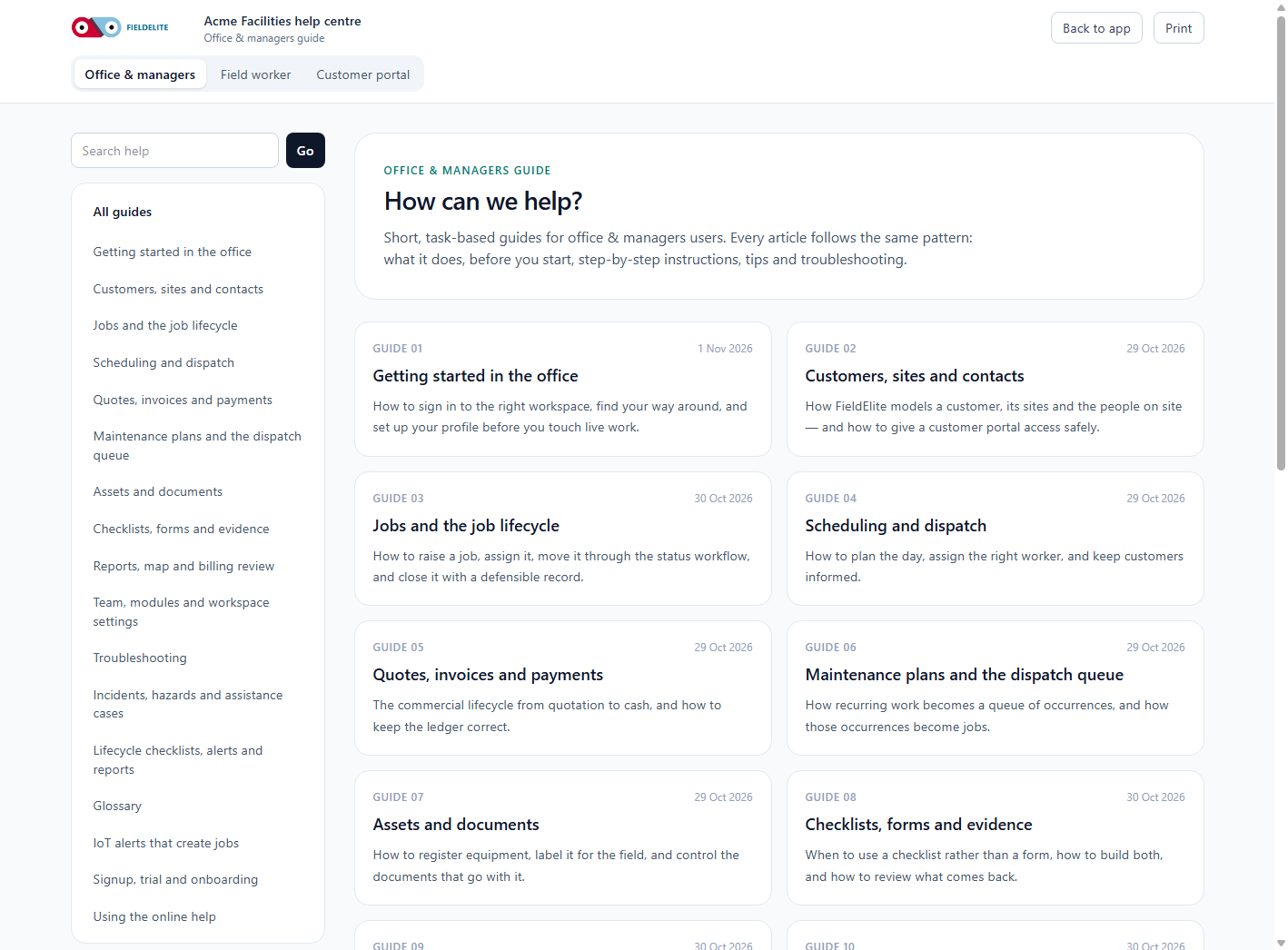
The help centre opens on the field articles: getting started, working a job, checklists, defects, time, offline use, safety documents, cases, shift checks and troubleshooting.
Search
Type into Search help and press Enter. Search the title and body, so a phrase from the app usually finds the article.
Examples:
| Search for | Finds |
|---|---|
| "pending sync" | Offline and sync |
| "work hold" | Cases and holds |
| "start of shift" | Shift and visit checks |
| "defect photo" | Defects and parts |
Offline
Help is a web page. If you have no signal, the article will not load. The Android app keeps the job and the checklist on the device, but it does not cache the help centre.
Check your understanding
- Where is Help on the web workspace?
- Which articles can a worker see?
- What happens if you open help with no signal?
Related: Getting started · Offline use and syncing · Troubleshooting
Related articles
Who this is for: engineers, technicians and anyone completing jobs on site. What you will learn: how to sign in, find your work, and understand what the office expects from each jo...
Who this is for: field workers. What you will learn: the on-site routine that produces a clean, billable, defensible job record. Arrive and start Park safely and follow the site'...
Who this is for: field workers. What you will learn: how to complete a checklist correctly and capture evidence that will stand up to review. How a checklist behaves It is a snap...
Who this is for: field workers. What you will learn: how to report a fault without losing the commercial or safety follow-up. Defect or note? Record Use it for Note A conver...