Access scopes
Who this is for: tenant admins and managers who need to restrict staff to part of the workspace.
What you will learn: how access scopes work and how to test them safely.
Default access
Scopes are optional for managers and workers; custom roles are deny-by-default.
- Tenant admins bypass scopes.
- A manager/worker with no scopes keeps the established workspace behaviour (workers still only see assigned jobs).
- Any other custom role with no scopes sees no operational records.
- One or more scopes restrict the user to matching records.
Multiple scopes combine with OR.
Create a scope
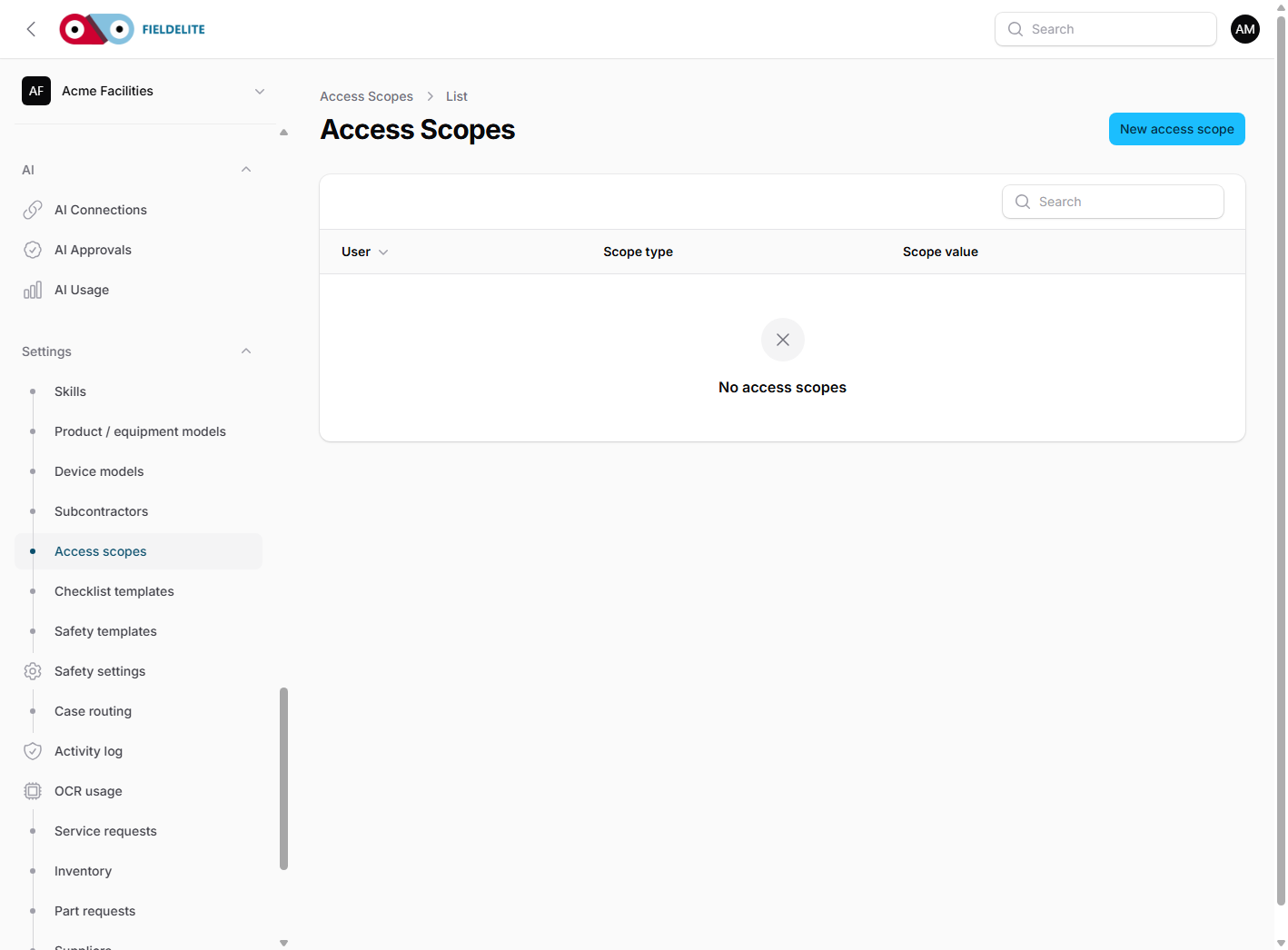
- Open Access scopes.
- Select the user.
- Choose Branch, Region or Department.
- Enter the branch id, county/region or department value.
- Save.
- Test with a non-admin account.
Where scopes apply
Scopes are enforced server-side on jobs, API/mobile jobs, job conversations, scheduler, dispatch, offers, tracking links, map, reports and checklist/safety exports, maintenance, sales documents and invoice PDFs, checklists, forms, asset-tag resolution, assets, locations and hazardous materials.
They do not apply to customer-portal data, which is already customer-scoped, or to all workspace settings.
Remove a scope
Delete the row. Removing one of several scopes narrows the remaining OR set. Removing the last scope returns a manager/worker to established workspace access; a custom role remains denied.
Warning: do not remove the last scope from a manager or worker who should remain restricted.
Troubleshooting
| Symptom | Check |
|---|---|
| No jobs visible | Scope value matches no branch, county or department |
| Too much visible | User has no scopes, is a tenant admin, or has a broad region scope |
| Direct URL forbidden | The record is outside scope; this is expected |
| Asset or location missing | Branch is outside the branch/region scope |
| Department scope has no effect | Record is not a job or has no department |
Related: Team, modules and settings · Jobs and workflow
Related articles
Who this is for: everyone in the office workspace. What you will learn: where the help centre lives, how to search it, and how to get from a screen to the right article. Open the h...
Who this is for: office administrators, dispatchers, managers and finance users. What you will learn: how to sign in to the right workspace, find your way around, and set up your p...
Who this is for: office administrators, dispatchers and managers. What you will learn: how FieldElite models a customer, its sites and the people on site — and how to give a custom...
Who this is for: office administrators, dispatchers, managers and supervisors. What you will learn: how to raise a job, assign it, move it through the status workflow, and close it...