Reports, map and billing review
Who this is for: managers, finance users and operations leads.
What you will learn: which report answers which question, and how to use the map without mistaking a stale pin for a live one.
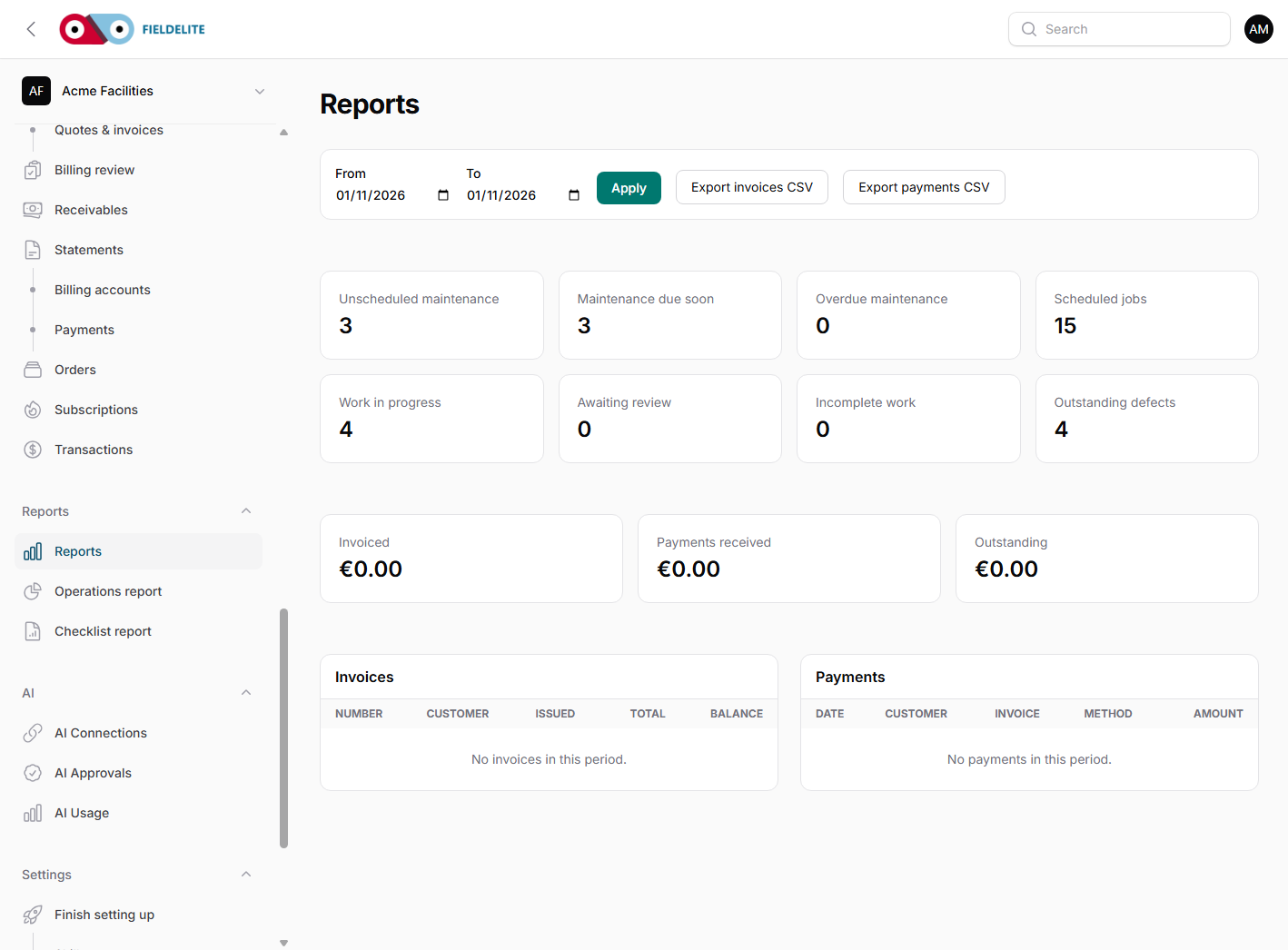
Start with the dashboard
The dashboard answers "what needs attention today?":
- jobs today
- jobs in progress
- unassigned jobs
- jobs awaiting review
- overdue maintenance
- on-time completion percentage
- open defects
Use it as a triage screen, not a month-end report.
The reports
| Report | Question it answers |
|---|---|
| Operations report | How much work did we do, and what do the schedule-based and proxy measures suggest? |
| Receivables report | Who owes us money, and how old is it? |
| Billing review | Which jobs are ready to invoice, or stuck? |
| Checklist report | Which shift and visit checks are complete, outstanding, failed or awaiting review? |
| Checklist alerts | Which missing checks, critical failures or overdue reviews need action now? |
| Expense reports | What did the team spend, on what, and by whom? |
| Statements | What does this customer's account look like? |
| Customer statements | Send a formal statement to a customer |
Most reports support a date range and an export. CSV downloads are Excel-compatible CSV, not native XLSX. User-entered text is neutralised against spreadsheet formula injection. Exports are for analysis, not for editing.
On the Reports page, click an invoice or payment row to open its detail page. The invoice number and payment date are also direct links.
Operations report
Use it to review:
- jobs completed by period
- schedule-based on-time percentage
- first-time-fix defect proxy
- explicit vs schedule-derived SLA targets
- worker utilisation (capped and uncapped)
- open defects and follow-up work
The report labels these measures and their limitations. Schedule-derived targets are operational indicators, not contractual SLA compliance; no contract calendar is assumed.
Expense reports
Use Reports → Expense reports for daily, weekly, monthly or custom ranges. Filter by worker, department, category, status or merchant. The report includes total spend, VAT, count, average, status breakdown (draft, awaiting approval, approved, rejected, paid), spend by category and worker, a daily trend and the change against the previous period.
Export a CSV (Excel-compatible) for analysis or a PDF with receipt thumbnails. Workers can download their own statement. See Expenses, receipt OCR and approvals for the approval and retention workflow.
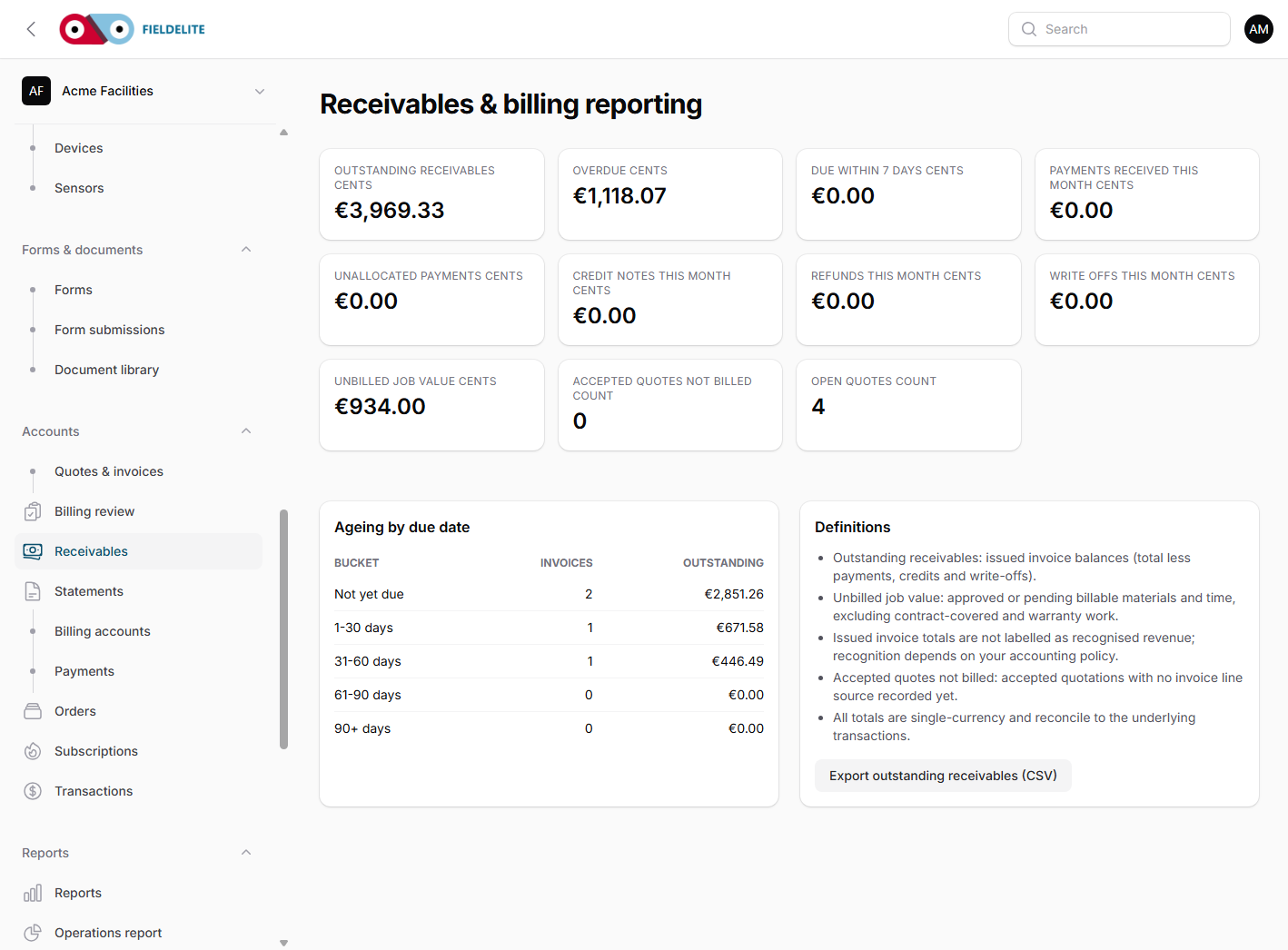
Receivables report
Use it to review:
- total outstanding
- ageing buckets (current, 30, 60, 90+)
- overdue invoices by customer
- unallocated payments
- credit notes and write-offs
The job map
Open Job map to see work geographically:
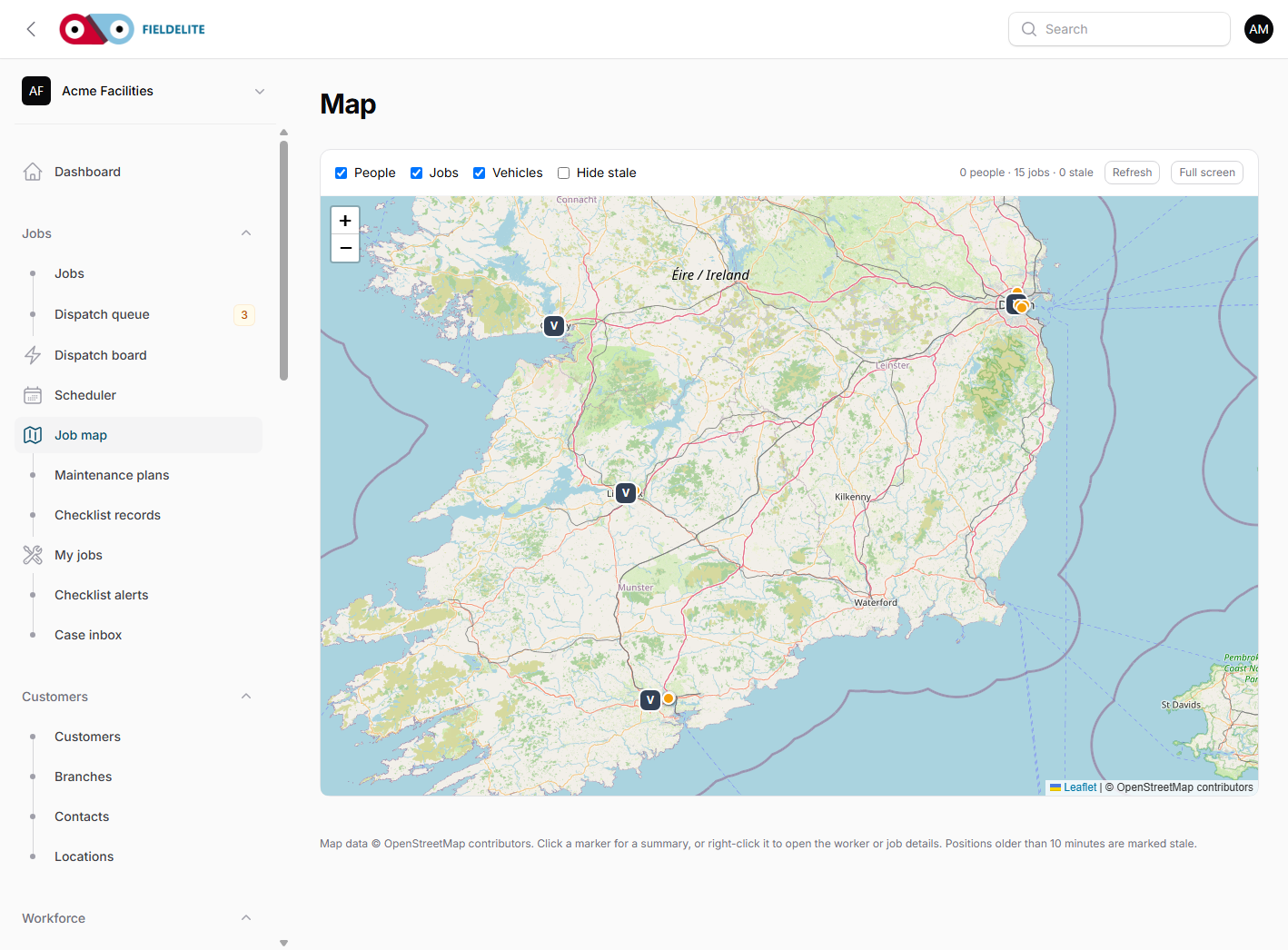
- colour by job status
- pins for sites with jobs
- last known worker position
- vehicles if fleet is enabled
- last-seen time and offline indicator
Warning: A pin is not a promise. If a phone has been offline for an hour, the map shows the last known position, not the worker's current location.
A month-end routine
- Export the Operations report for the period.
- Review schedule-derived SLA indicators and the first-time-fix defect proxy.
- Open Billing review and clear jobs that are ready to invoice.
- Open Receivables and chase the oldest balances.
- Generate statements for key accounts.
- Review open defects and raise follow-up work.
- Check maintenance plans for next month's due dates.
Check your understanding
- Which report would you open to find overdue invoices?
- What does first-time-fix measure?
- Why can the map show an out-of-date position?
Related: Quotes, invoices and payments · Maintenance plans and the dispatch queue
Related articles
Who this is for: everyone in the office workspace. What you will learn: where the help centre lives, how to search it, and how to get from a screen to the right article. Open the h...
Who this is for: office administrators, dispatchers, managers and finance users. What you will learn: how to sign in to the right workspace, find your way around, and set up your p...
Who this is for: office administrators, dispatchers and managers. What you will learn: how FieldElite models a customer, its sites and the people on site — and how to give a custom...
Who this is for: office administrators, dispatchers, managers and supervisors. What you will learn: how to raise a job, assign it, move it through the status workflow, and close it...