Signing in to the customer portal
Who this is for: customer contacts with portal access.
What you will learn: how to sign in, reset a password and keep your account secure.
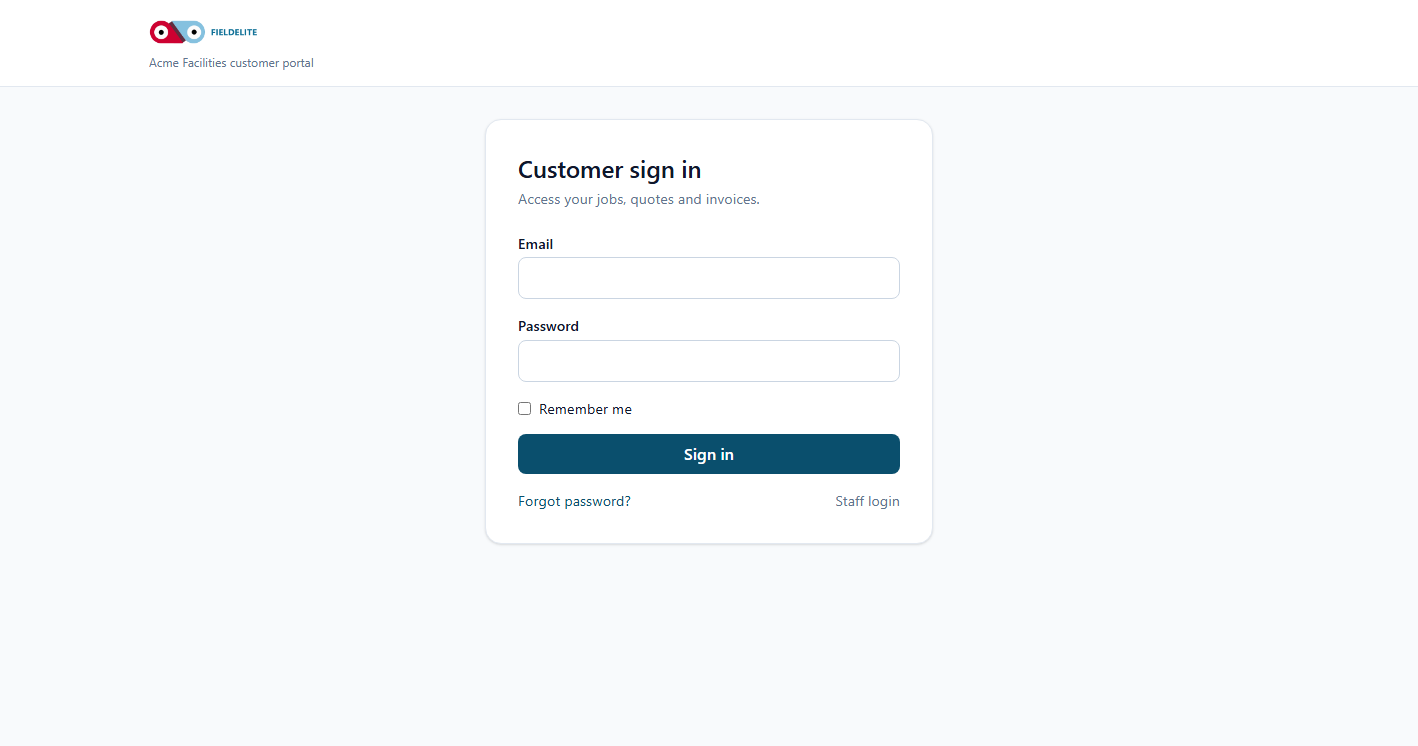
Before you start
- The portal address from your service provider, for example
https://acme.fieldelite.example/portal/login. - The email address your provider holds for you.
- A password, or the reset link from your welcome email.
Note: The portal is separate from the staff application. Staff logins do not work here, and portal logins do not work in the staff app.
Sign in
- Open the portal address.
- Enter your Email Address.
- Enter your Password.
- Select Sign in.
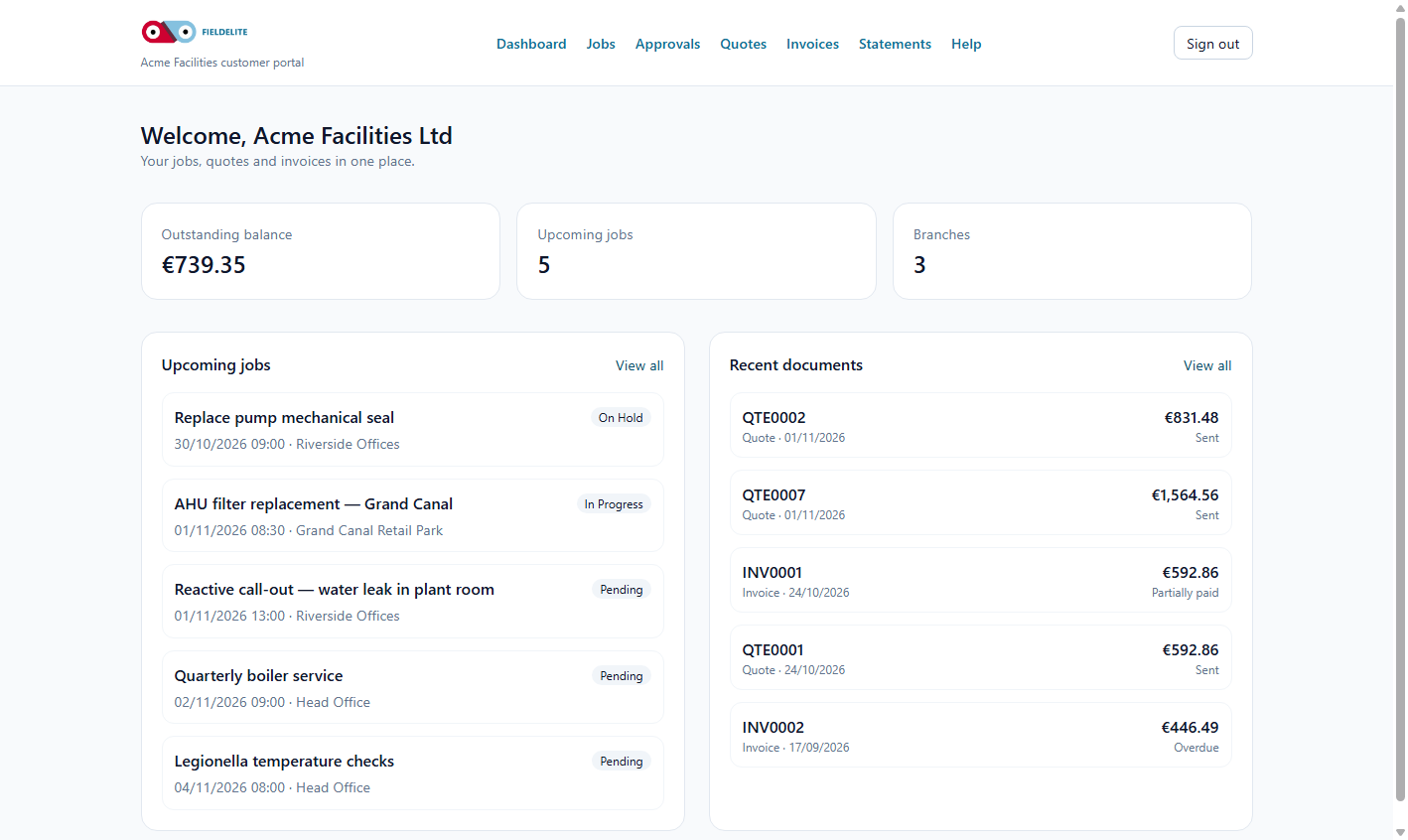
You land on the dashboard showing your balance, upcoming jobs and recent documents.
Reset your password
- Select Forgot your password?
- Enter your email address.
- Check your inbox for the reset link.
- Choose a new password.
- Sign in again.
If the email does not arrive:
- check spam and promotions
- confirm the address with your provider
- ask your provider to confirm portal access is enabled
If you cannot sign in
| Message | What it means |
|---|---|
| These credentials do not match | Wrong email or password |
| Too many login attempts | Wait a minute and try again |
| Page keeps returning to sign-in | Cookies are blocked; allow cookies for the portal |
Your provider can disable portal access. If your account was disabled, contact them — do not create a second account.
Keep your account secure
- Use a password you do not use elsewhere.
- Do not share your login with colleagues.
- Sign out on shared computers.
- Tell your provider immediately if you suspect unauthorised access.
Check your understanding
- What address do you use for the portal?
- How do you reset a password?
- What should you do if your account is disabled?
Related: Portal dashboard · Account and support
Related articles
Who this is for: customer portal users. What you will learn: what the dashboard shows and where to go next. What you see Tile or section Meaning Outstanding balance Total u...
Who this is for: customer portal users. What you will learn: how to track jobs and download the service report. Find a job Select Jobs. The list is ordered by scheduled date, new...
Who this is for: customer portal users who approve work. What you will learn: how to review a quote, accept it, decline it and understand what happens next. Review a quote Select...
Who this is for: customer portal users and accounts teams. What you will learn: how to read an invoice, download it, pay it and raise a query. Open an invoice Select Invoices. Op...